This course features Coursera Coach!
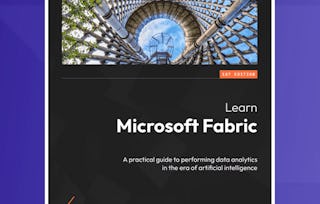
A smarter way to learn with interactive, real-time conversations that help you test your knowledge, challenge assumptions, and deepen your understanding as you progress through the course. Gain foundational knowledge of Microsoft Fabric and discover how to streamline your Power BI workflow. This course takes you through essential aspects of Microsoft Fabric, from initial setup and key terminologies to advanced features like Dataflow Gen 2 and real-time data streaming. You’ll learn how to create Delta tables, visualize data with Power BI, and automate your data processing tasks. The course is structured around guided lessons that walk you through the platform's interface, configuration settings, and data storage methods. You’ll work hands-on with tools like Data Engineering Notebooks, Delta Tables, and external SQL endpoints. Throughout, you will learn to integrate Microsoft Fabric with Power BI for enhanced reporting and analytics. The journey covers creating semantic models, understanding version control, and leveraging the new features of Fabric for advanced data management. You’ll also get the chance to use Microsoft Fabric with Power BI's real-time capabilities, streamlining reporting and data transformation. This course is designed for professionals looking to enhance their data engineering and reporting skills. It’s ideal for beginners, with a focus on Power BI developers and data engineers. Prerequisites include familiarity with Power BI, but no advanced coding skills are required. By the end of the course, you will be able to navigate Microsoft Fabric, create and manage Delta tables, integrate Power BI for automated reporting, and leverage advanced dataflow features for optimized workflows.